
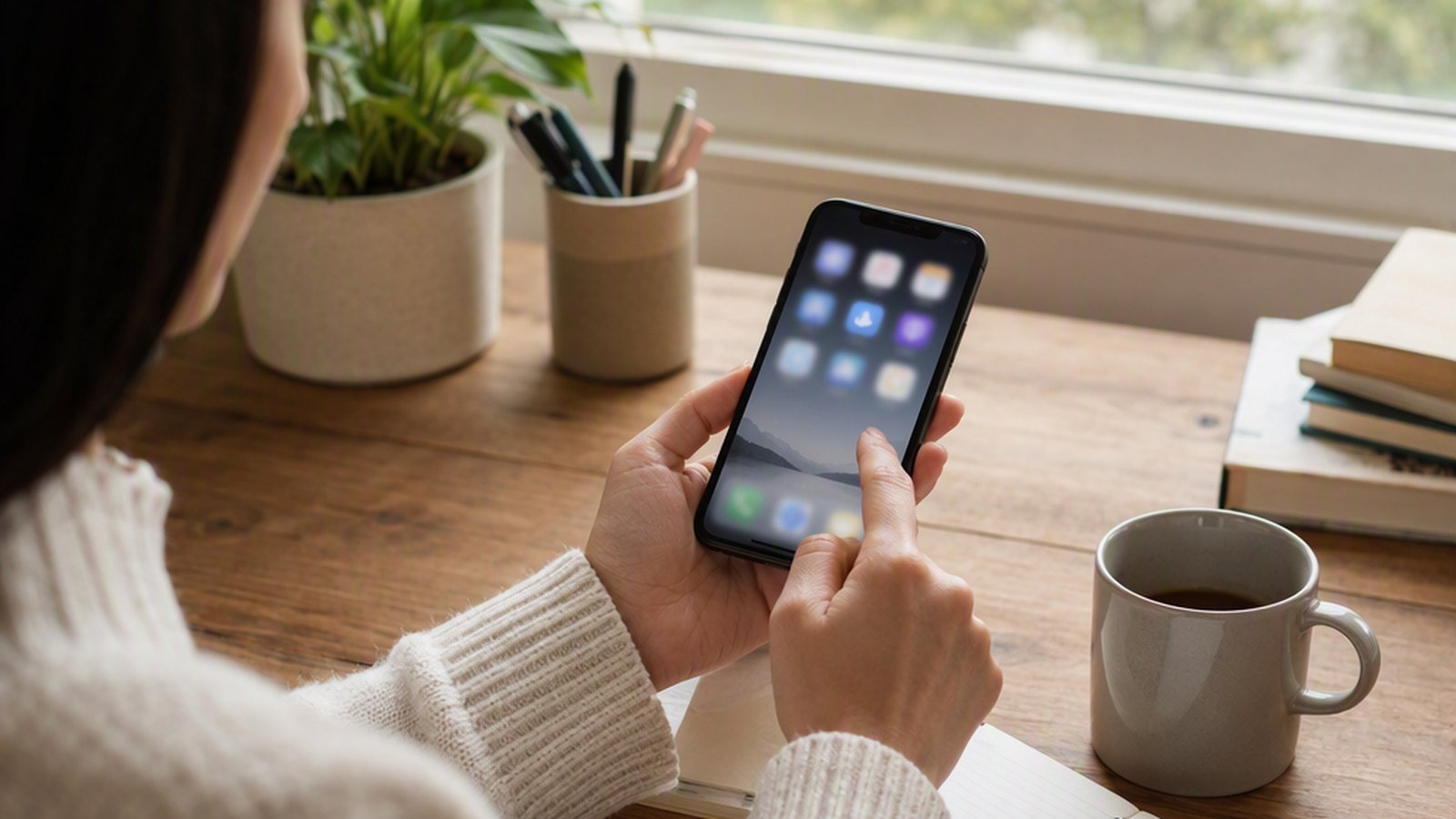
Your phone can become a wall of invitations: news, shopping, social feeds, work alerts, and apps you opened once. The home screen is not neutral. Every visible icon asks for a decision before you have chosen what you meant to do.
A phone home-screen reset creates one quieter launch surface. It does not require deleting every app or building a perfect productivity layout.
Keep the first screen for actions
Leave only the apps you open deliberately every day: phone, messages, maps, camera, calendar, notes, or a small number of work tools. Move browsing, shopping, games, news, and rarely used utilities to a second screen or folder.
Use the first screen to answer “What did I pick up the phone to do?” A visible calendar is different from a visible feed. The goal is a shorter path to chosen actions.
Use folders as storage, not a taxonomy
Create broad folders only when they reduce visual noise: Travel, Money, Work, Home, or Reading. Do not create a folder for every interest. If you cannot predict where an app belongs, leave it in the app library and search for it when needed.
Remove notifications before moving icons
An uncluttered screen still feels noisy when every badge demands attention. Turn off non-essential badges and review alerts by app. Keep notifications that carry a real time constraint; make everything else something you check on purpose.
Build a restart that takes ten minutes
- Screenshot the current layout if you want a record.
- Move every uncertain app off the first screen.
- Keep the first screen to one or two rows of deliberate actions.
- Use the phone normally for a week before making another change.
If the screen becomes crowded again, remove only the newest additions. You do not need to redesign the whole phone each time it drifts.
Free GentleDone resource
Overwhelmed? Start with 10 minutes.
The GentleDone 10-Minute Reset gives you one deliberately small place to begin.