
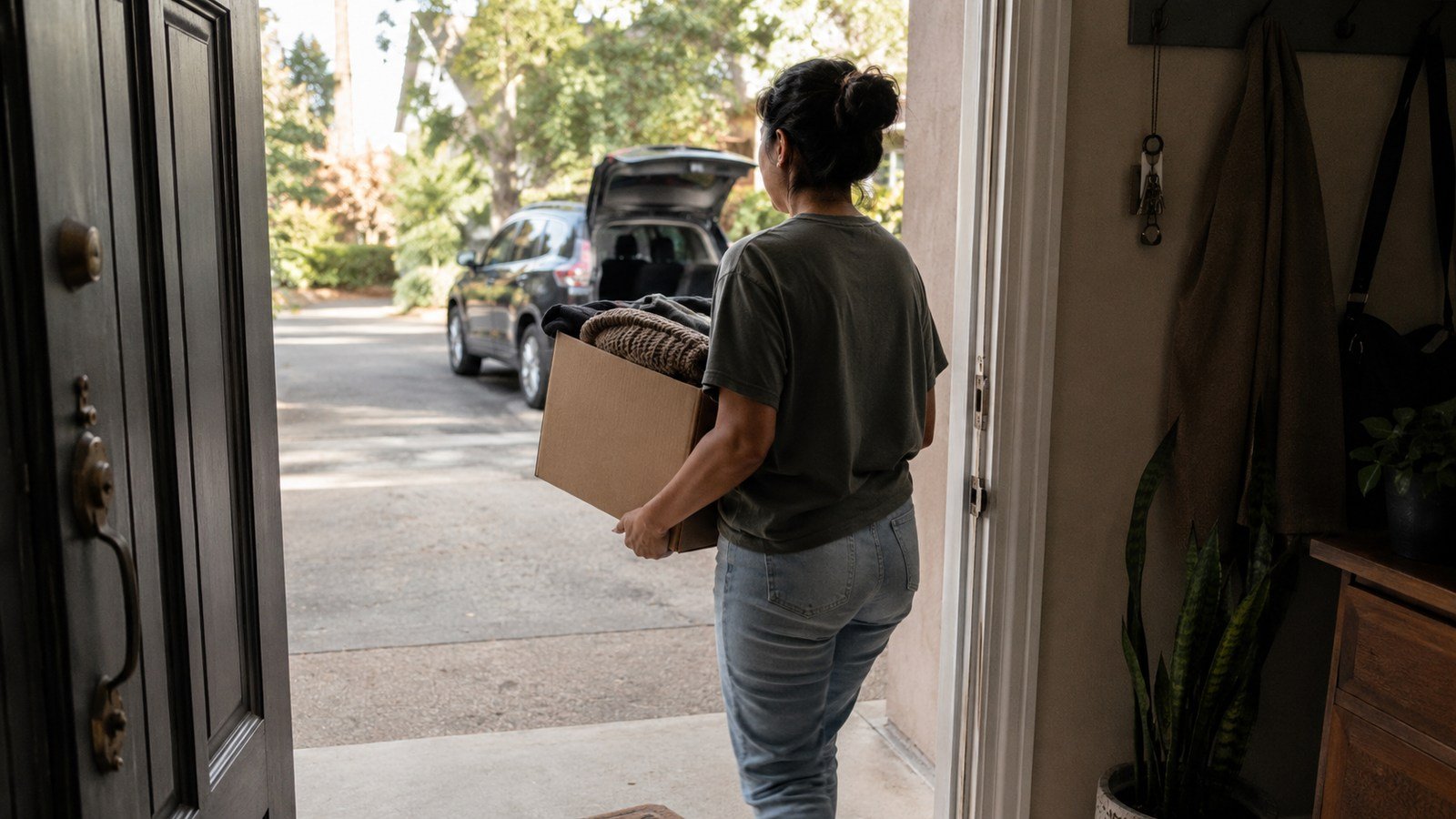
Decluttering can produce a strange second problem: the unwanted things are sorted, bagged, and still living in the house. They wait beside the door, migrate to the car, or become a permanent “donate later” corner.
A donation exit system finishes the part that decluttering usually leaves vague. It gives accepted items one bounded waiting place, one preselected destination, and one trigger that turns “later” into a real departure. The goal is not to donate perfectly. It is to stop completed decisions from becoming a new category of clutter.
Separate the decision from the departure
“I no longer want this” and “this has left the house” are two different states. The first is a decision. The second requires a container, transport, an accepted destination, and a moment when the trip will happen.
Make the states visible:
- Decide: keep, donate, recycle, sell, or dispose.
- Prepare: place accepted donation items in the exit container.
- Trigger: full container, calendar date, or matching route.
- Depart: take the container to the destination.
- Reset: return the empty container to its parking place.
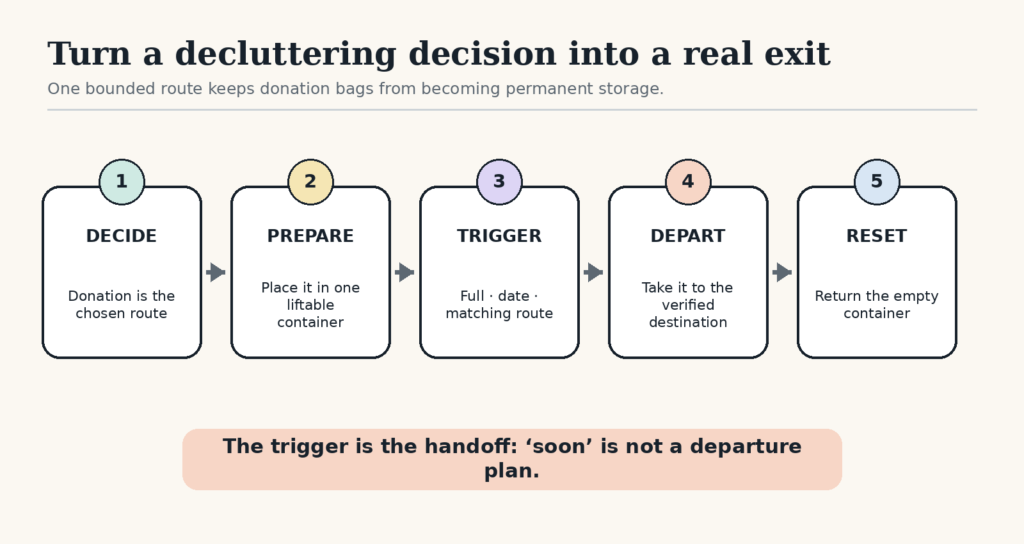
The exit container is not storage. It is a short bridge between a finished decision and the outside destination.
Choose one bounded exit container
Use one box, sturdy bag, or handled basket that you can safely lift when it is full. Put it near the route out—the coat closet, garage shelf, utility room, or another place that does not block a walkway.
A fixed container creates a visible capacity. When it is full, the system asks for a departure rather than a second container. If one box fills too quickly to manage, use a smaller one. If the household makes frequent donations and already has a reliable weekly route, a larger container may fit.
Do not combine ordinary donations with items that need a different channel. Electronics, batteries, paint, medication, documents containing personal information, and potentially hazardous materials may need dedicated recycling, take-back, shredding, or disposal routes. Keep those items labeled and separate while you verify local instructions.
Preselect the destination before the container fills
A bag stalls when its destination is still a research project. Choose one default organization for the kinds of household goods you usually release. Save its current address, hours, and acceptance rules in your phone.
Before the first trip, confirm three things on the organization’s official website or by phone:
- which categories it currently accepts;
- whether donations are drop-off, pickup, or appointment only;
- where and when items can actually be received.
Acceptance rules can change. A preselected destination removes repeated research, but a quick check before an unusual or large donation prevents a wasted trip.
Use one trigger that fits real life
Choose the trigger you are most likely to notice:
- Capacity trigger: the container leaves when it is full.
- Date trigger: donations leave on the first Saturday of the month or another specific day.
- Route trigger: the container leaves the next time you already travel near the donation point.
Write the trigger where the container lives. “When full” is enough if the next action and destination are already known. “Soon” is not a trigger.
If the route trigger depends on a car, put a reminder beside the keys rather than moving the bag into the vehicle indefinitely. Loose bags can reduce useful cargo space and become easy to ignore. Load them when the matching trip is actually scheduled.
Prepare items without creating a restoration project
Items should be clean enough, complete enough, and safe enough for the chosen organization’s rules. Pair shoes. Put obvious sets together. Remove personal papers from bags and pockets. Secure breakable pieces.
Then stop. Do not wash, repair, price, photograph, and research every object unless the destination requires it. If an item needs substantial work before anyone can use it, decide whether that work has a real date. Otherwise choose an appropriate recycling or disposal route.
Selling is a separate workflow. Give sale items their own small limit and deadline. If they have not been listed or sold by that date, decide in advance whether they move to donation. This prevents a high-effort “sell” category from blocking the lower-friction exit.
Run the first exit with a small batch
- Choose one destination and verify its current rules.
- Fill no more than one liftable container.
- Choose a departure trigger within the next seven days.
- Place the container in its safe exit location.
- Complete the trip and return the empty container.
The first trip tests the whole route. Notice whether the container was awkward, the destination was inconvenient, or the trigger was too easy to miss. Repair that connection before expanding the system.
Use a restart rule when the exit zone stalls
If the box has waited beyond its trigger, do not reopen every decision. Check only whether the items still match the destination’s rules, schedule the shortest available departure, and move the container.
If someone in the household is uncertain about an item, remove that item from the donation box and give it a separate review date. One disputed object should not hold the entire exit hostage.
When several bags have accumulated, take the smallest complete load first. A partial departure restores movement and makes the remaining volume easier to see. Then return to the rule: one bounded container, one destination, one trigger.
Connect the exit to the place clutter enters
A donation system works best when it is part of the home’s ordinary movement. If clothes are usually released near the bedroom, keep a small donation bag near the closet and move it to the main exit container when full. If children outgrow items in a playroom, use a temporary review basket there and close it on a fixed date.
For the rest of the route—where daily items enter, land, and return—use Low-Friction Home Organization. If the donation box is competing with mail, returns, and everyday carry items, protect one bounded landing place with the One-Surface Rule.
The useful finish line is physical: the items have crossed the threshold, reached an appropriate destination, and the empty container is ready for the next small batch.
Free GentleDone resource
Overwhelmed? Start with 10 minutes.
The GentleDone 10-Minute Reset gives you one deliberately small place to begin.